
A video library in your personal trainer app: what to record for clients
Build a useful BEP-X video library with exercise demonstrations, common mistakes and short educational lessons that support each client’s programme.
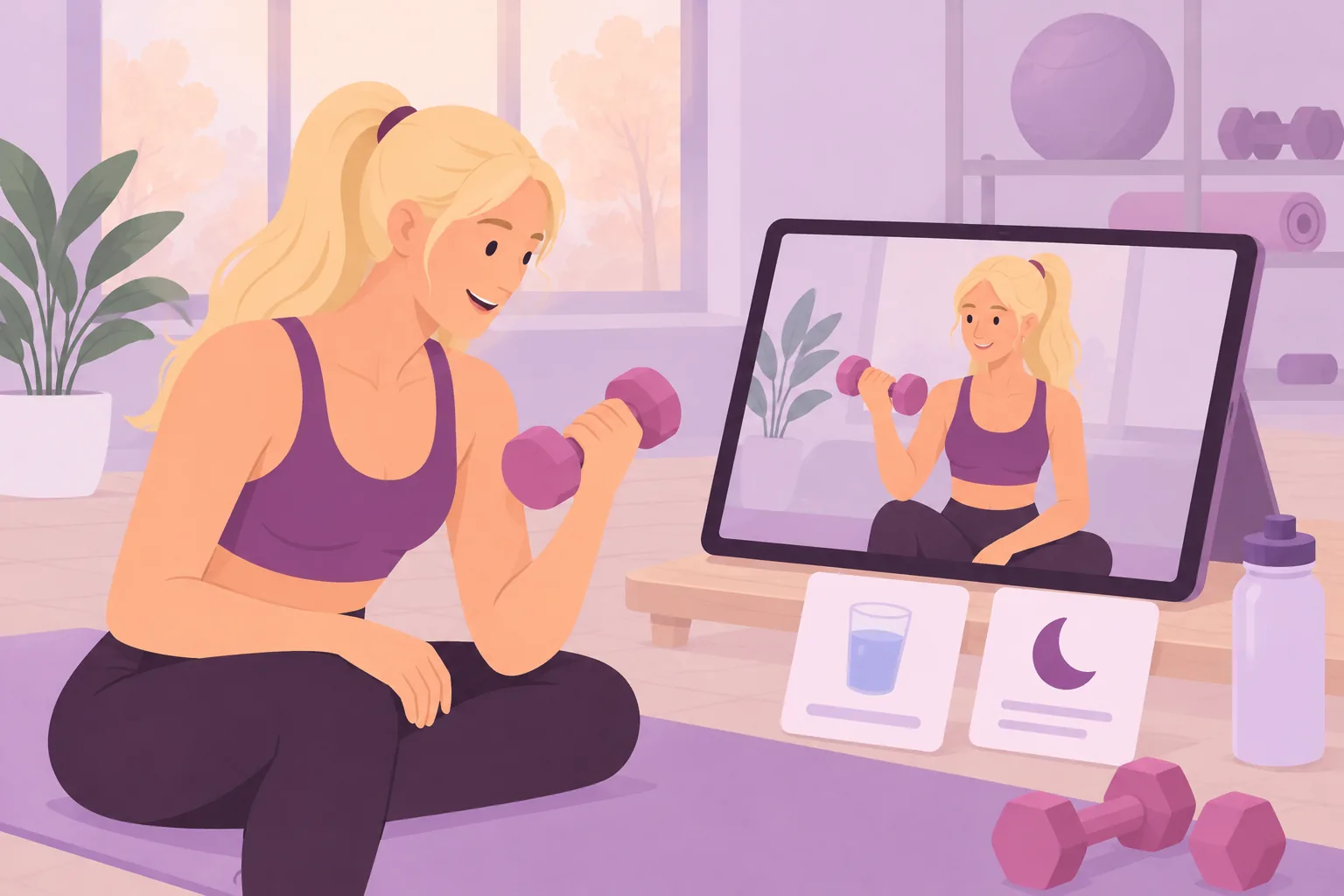
Start with recurring client questions
Begin with the questions and movements your clients repeatedly need help with. Beginners may need equipment setup more than advanced techniques. Busy office workers may need preparation guidance. Prioritise the next practical decision a video can clarify rather than building a large collection for its own sake.
A few clear repetitions can demonstrate a movement
A demonstration does not need to show a whole workout. Record a few clear repetitions with the setup and return visible. Add another angle if needed. The demonstration weight is not a prescription for every viewer; sets, repetitions and load belong in the individual training plan.
Explain the key cues and add readable captions
Choose a small number of clear cues for setup and movement. Add readable captions in your video editor before upload; this does not assume automatic captioning in the app. Keep text away from important movement details and check the result on a phone with the sound off.
Show the correction alongside a common mistake
Name one common difficulty, show an appropriate adjustment and repeat the corrected version. Avoid staging dangerous situations. Do not treat pain as something a generic technique video can diagnose or fix; it may require an individual assessment.
A practical recording session
Plan ten important movements and three recurring questions. Outline the opening shot, two cues, one common mistake and a closing sentence. Batch similar equipment together. Check a short test clip for framing, sound and light, and avoid accidentally filming identifiable bystanders.
Make a diet-tips series practical
Possible lessons include shopping preparation, regular drinking, vegetables, varied protein sources, portions, lunch preparation, eating out, weekends, noticing hunger and planning ahead. Treat them as teaching topics, not universal meal prescriptions. WHO guidance emphasises balance, variety and individual circumstances.
Keep food and hydration examples in context
Encourage regular drinking adapted to circumstances rather than requiring half a litre before every meal. Medical fluid restrictions take priority. A meal example could include vegetables, boiled potatoes and an appropriate protein source, including alternatives to lean meat. Food volume alone does not determine a suitable portion or diet.
Warm-up, sleep routines and desk work
Teach preparation, equipment organisation and observing evening routines. A sleep diary lesson should not promise to treat a sleep disorder. For desk workers, offer movement-break ideas within your competence. Explain the intended audience and context instead of promising that a generic posture routine resolves pain.
Use names clients understand
Replace camera filenames with clear titles such as equipment setup plus two key cues. Explain when to watch each lesson. Use consistent naming and introduce the structure of longer videos. The trainer’s organisation and wording influence usability alongside the app’s features.
Connect each video to the coaching workflow
Tell clients why a relevant demonstration matters when introducing their plan. Use community questions to identify confusing explanations. General videos complement individual feedback; they do not prove how a particular client performs a movement or what adjustment that person needs.
When does the library actually save time?
Time savings are possible when a recurring explanation becomes reusable and clear. Track repeated questions and request feedback manually; no built-in viewing analytics is assumed. Repeated confusion may call for a better angle or shorter explanation rather than more videos.
A one-month starting plan
Week one: choose five priority demonstrations. Week two: record and check them on a phone. Week three: add two or three audience-specific educational lessons. Week four: obtain feedback and improve unclear parts. In marketing, show a sample without client data and describe the actual support the library provides.
Related app and workflow
Workout planning software for trainers
Official background reading
Related guides
Workout planning software: create individual plans efficiently
Nutrition planning software for coaches: gather the right information
Building a BEP-X community: online coaching beyond the workout plan