
A personal trainer’s week in BEP-X: plans, logs and feedback
An illustrative weekly workflow with real product images, connecting planning and day-to-day coaching.

An example week rather than a measured case study
This week illustrates how BEP-X functions can connect in your own workflow. It is not a named coach’s time study or a claim of revenue growth or hours saved. Product images show the interfaces; the schedule is an editorial example to adapt to your service and capacity.
Organise context for professional decisions so programmes, logs and messages remain connected. An app helps when recurring tasks have a clear place and rhythm. You do not need new plans every day, and not every message requires changing a programme.
Start the week by reviewing client context
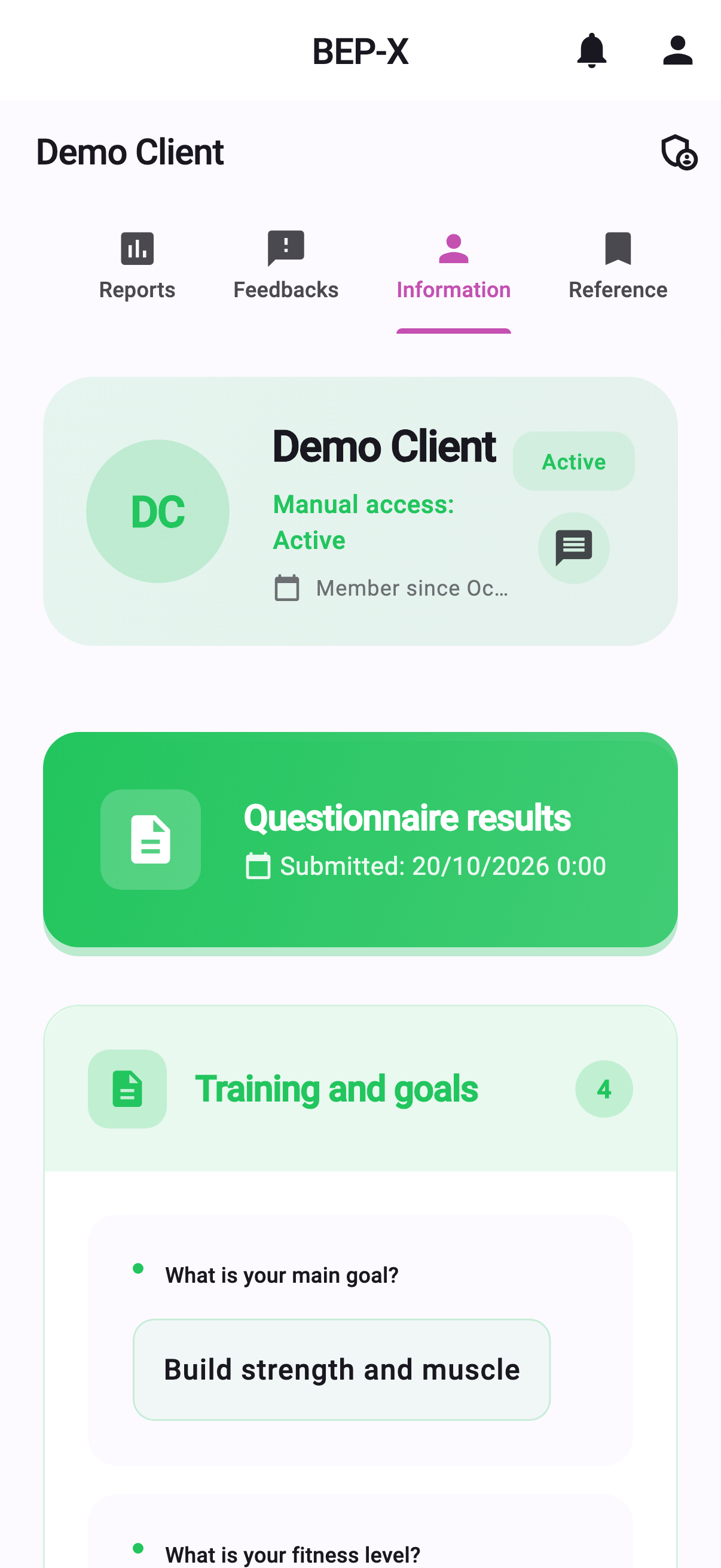
Review upcoming check-ins, programme updates and new assessments in your first planning block. Client profiles provide context, while your own routine tracks commitments. Looking at an interface is not the same as deciding which tasks need attention.
Separate urgent clarification from scheduled review. Resolve access or comprehension problems before preparing new plans; another client may only need a brief response. This is your organisation method, not a claim that the system automatically prioritises everyone.
Use a focused block for planning and review
Begin planning with assessments and previous work. Build manually or review AI-supported preparation. Schedule, exercise choice and loading are connected decisions. Evaluate the finished programme against actual circumstances rather than mere field completion.
A suitable reference week can anchor the next reference-based plan. Control selected exercise changes and load progression before generation. Review the whole result and explain material changes so the client understands the next session.
Make logging understandable during training
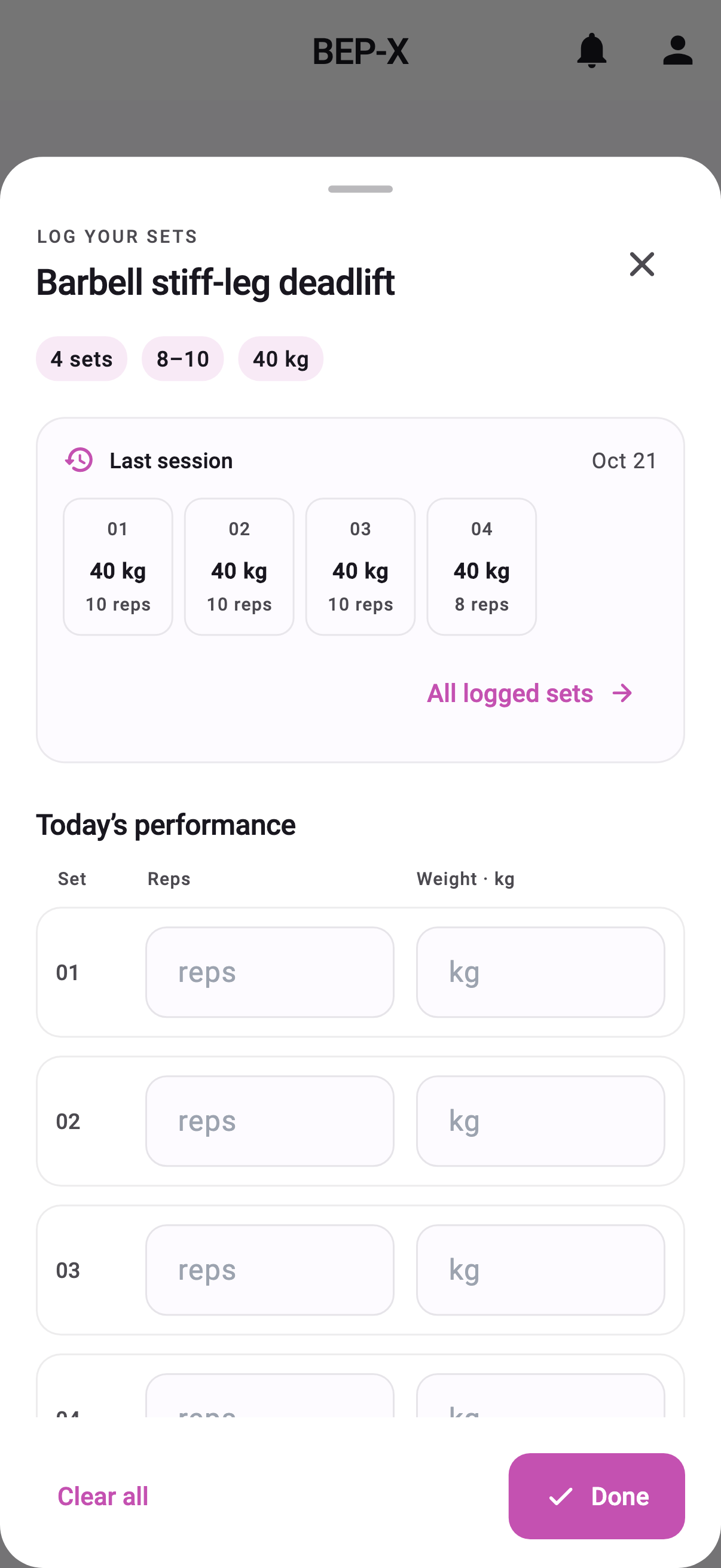
Clients access programmes and record performance through the workout interface. Set logging connects prescribed work with completed repetitions and load. Explain why this matters: the next discussion can use records rather than memory alone.
A log is not a grade. Missed or modified work is useful information requiring context. Ask clients to record what happened rather than what they think you want to see. Shared understanding supports useful data better than additional compulsory fields alone.
Communicate within agreed expectations
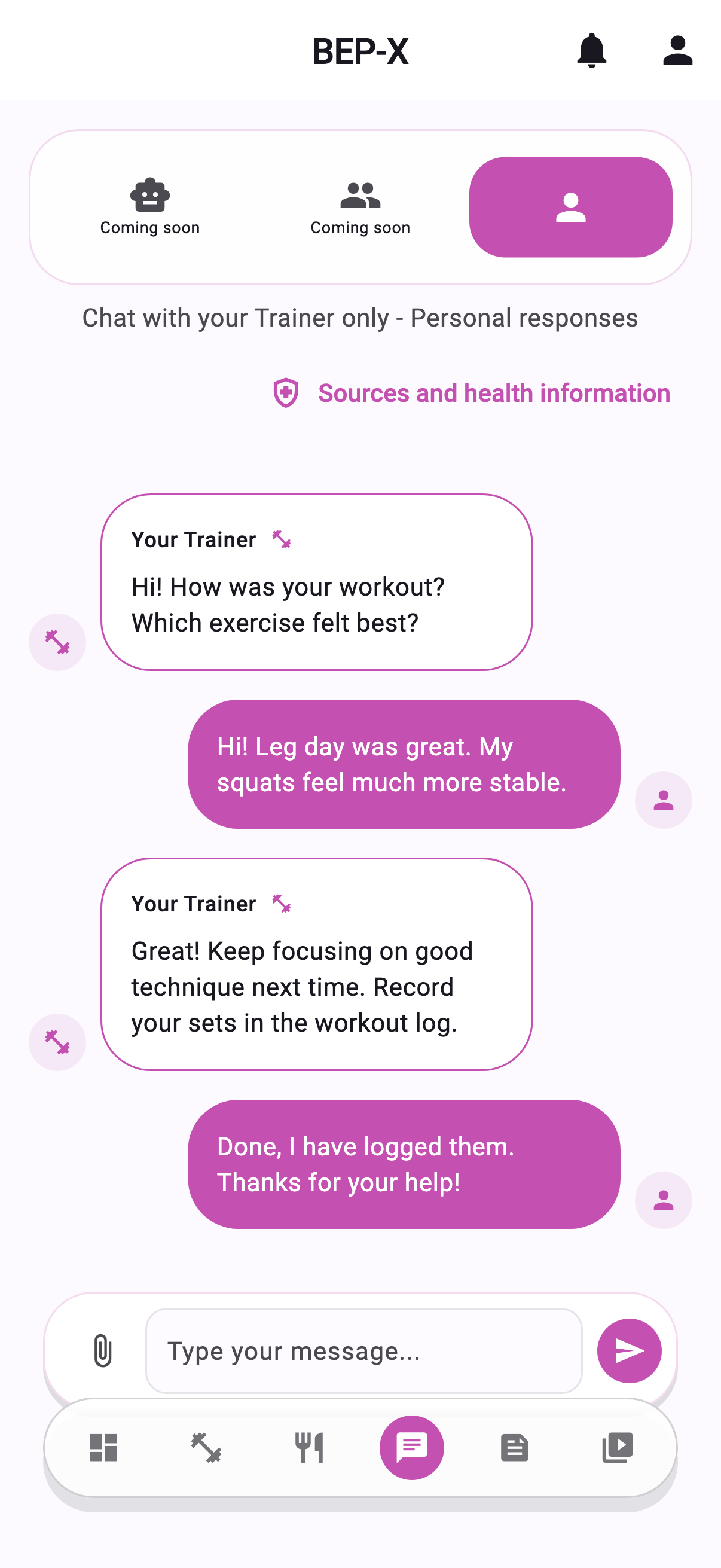
Set a response rhythm you can maintain and explain expectations. BEP-X direct communication supports the coach–client relationship. AI planning does not mean an automatic chat performs professional communication for you.
Check current programmes and context before replying where needed. The same short question can mean different things for different clients. Arrange a fuller discussion when appropriate. Organised information supports attention, but understanding and judgement remain your tasks.
Build educational material from recurring questions
Recurring questions may justify a short video or guide. A video library helps clients revisit explanations, but first distinguish common learning needs from individual professional situations. They require different attention.
Use titles and language clients recognise, avoiding unexplained professional shorthand. Review material as programmes and interfaces change. Educational content needs maintenance informed by real questions rather than being uploaded once and forgotten.
End the week with informed decisions
Review the programme, logs and client summary together. Identify feasibility, uncertainty and reasons for change. A good week does not require a wholly new plan; continuity and modest adjustments can be deliberate coaching choices.
When information is missing, clarify instructions before assuming unwillingness. State what is needed next week and schedule your review. The process then includes learning from programme use rather than only producing plans.
Measure your own time before making savings claims
Keep a time log for planning, reviewing, onboarding and communication if you want to assess change. Compare equivalent tasks and include learning time. Record qualitative changes too, such as clearer context and fewer misunderstandings.
This article promises no fixed time saving. Evaluate BEP-X through your own tested workflow. Start by following one client’s complete week, then improve the routine using what you learn. Software connects context; you provide professional judgement.
What makes your weekly routine workable?
Rearrange the example around your own planning blocks, replies and in-person sessions. Give commitments a reliable place, explain expectations and leave capacity for unexpected questions. A shared interface cannot compensate for trying to do everything simultaneously.
Review your own week too: what was easy to find, where did you repeat searches and what was missed? Examine working habits as well as software needs. Choose one concrete improvement for the following week.
Related app and workflow
Workout planning software for trainers
Related guides
The four foundations of clear online coaching
Workout planning in a personal trainer app: reference plans
Online coaching platform or Excel and Messenger: when to switch